

Global Search
Cisco
the problem
Webex admins spend a lot of time looking through the different pages to find the settings and other data they are looking for. There was no easy way to find things and sometimes they are not in the expected places because of legacy systems and decisions. This caused a lot of friction for admins.
You have to start somewhere
I built an initial UX that focused on what data was already available for search and building an index for the pages that where not currently searchable. This allowed us to get the initial version out much faster, proving that it not only worked but was being used (with success) and above all helped our admins find what they needed faster saving them valuable time.
My Role
I was the lead UX Designer on this project. I did user research, analysis, testing, wire-framing, prototyping, and generated the final designs and requirements. Thought-out this project, I also collaborated with project managers, developers and data analysts.
Key Results
~4,500
average daily searches
90%
click through rate
users
most searched category
Competitive analysis
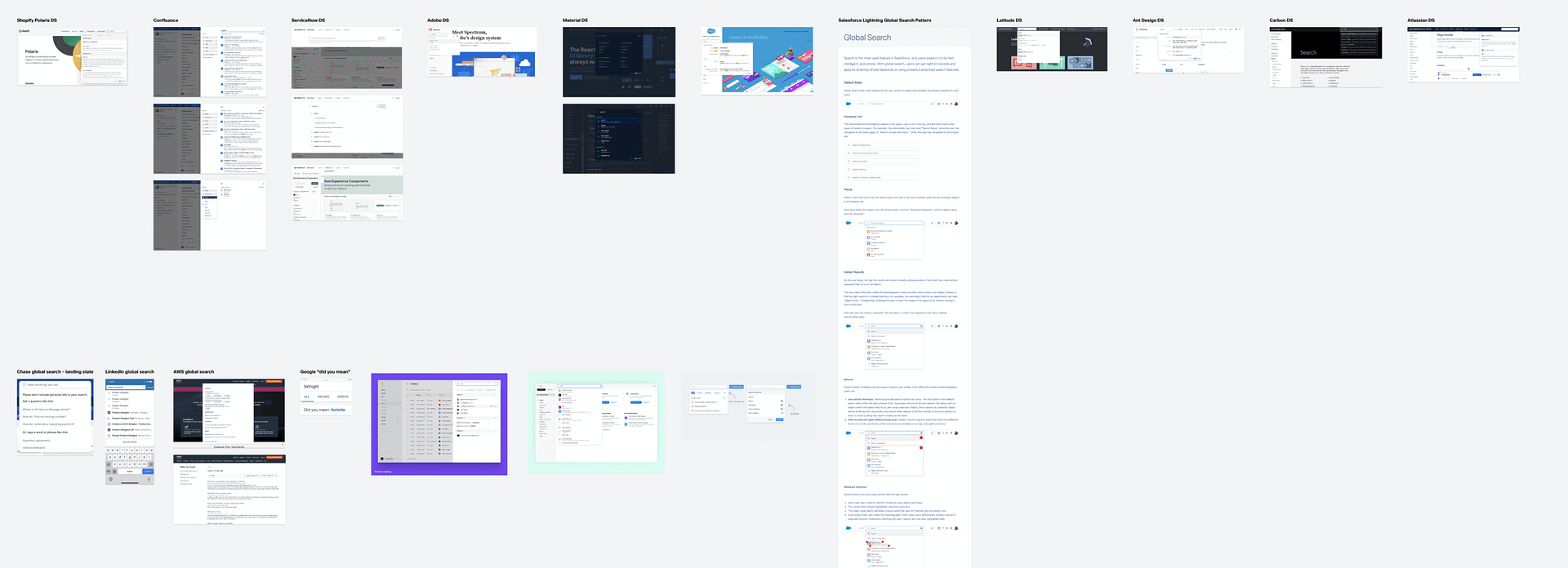
I preformed research against globals searches that already existed in large systems, some competitors and some not, to better understand the state of global search and what our users expectations would be. We found that if the search did not searching everything it quickly felt lacking and was doomed to be unusable.
What can & can’t we search
In workshops with key stakeholders from the various teams who contribute to the Control Hub platform we determined what we could already search by tapping into the local searches of those areas, think users, phone numbers, etc. We also found there were some areas that were currently not searchable at all and would need further workshops on how to enable search for those areas.
Workshops for enabling search
I ran further workshops with the key stakeholders from the teams who’s areas needed further investigation for a consistent way to search. It was decided that we needed to prove the usefulness of global search before being given the resources to use AI to index these areas. So we devised a process for indexing the pages that would be consistent for implementation.
Early Design Exploration
During the design exploration I found that we had may different categories form users to individual settings that our admins could search for. This ment that our search had to logically order this information and I had to figure out what supporting data was most important for each category. I designed out expirations for how to filter, pre-filter, organize, or even make the results have their own interactive menus within the search to figure out what worked best with our data sets.


UI DESIGNS
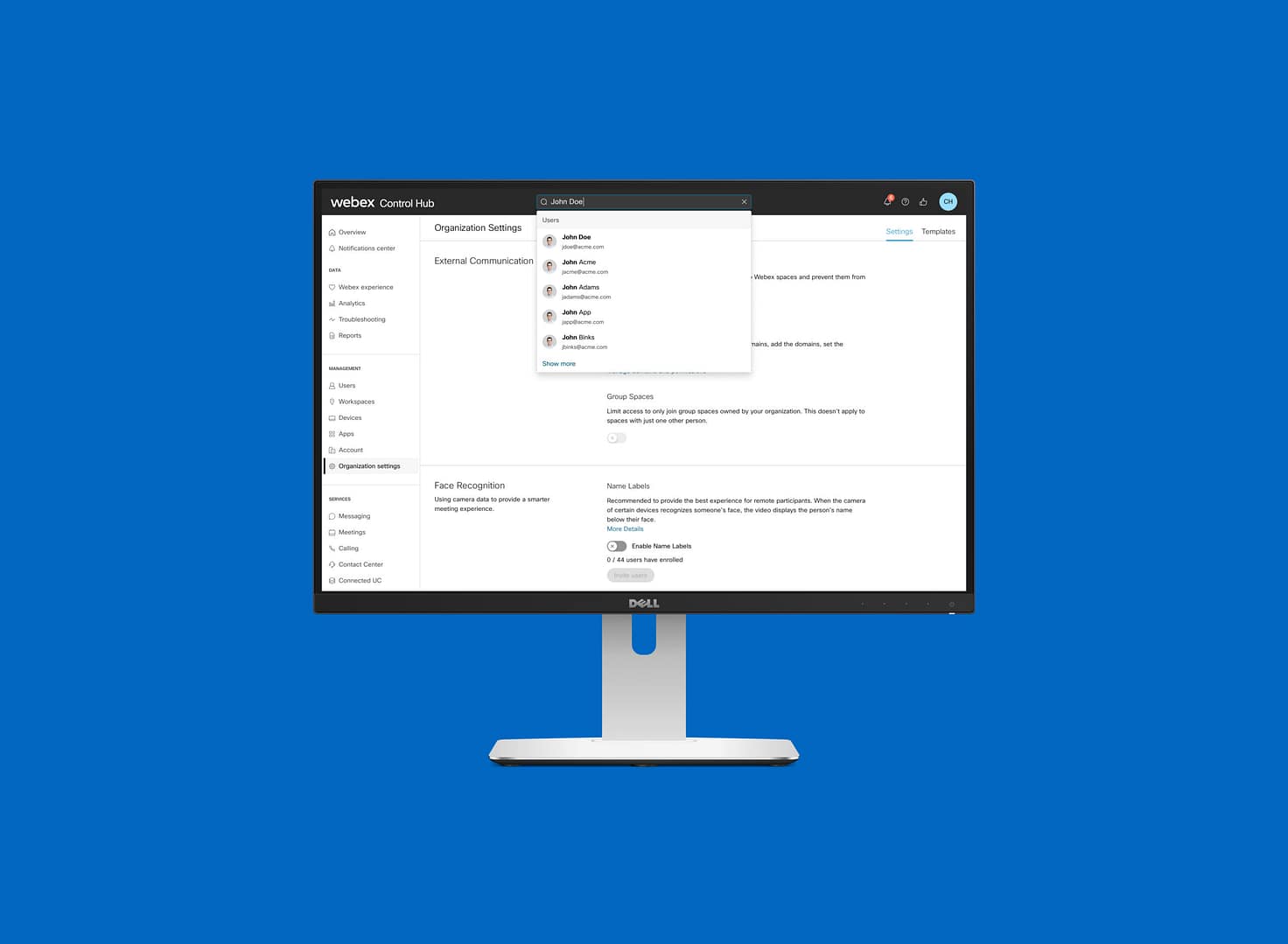
I landed on a design that used category headers and had a show more for categories with a large set of results. This allows us to be flexible in how much data we requested from each API call we made against the data sets cutting down on resources used there.


Prototype
Then I made a prototype in preparation for running user testing on the proposed designs.
USABILITY TESTING
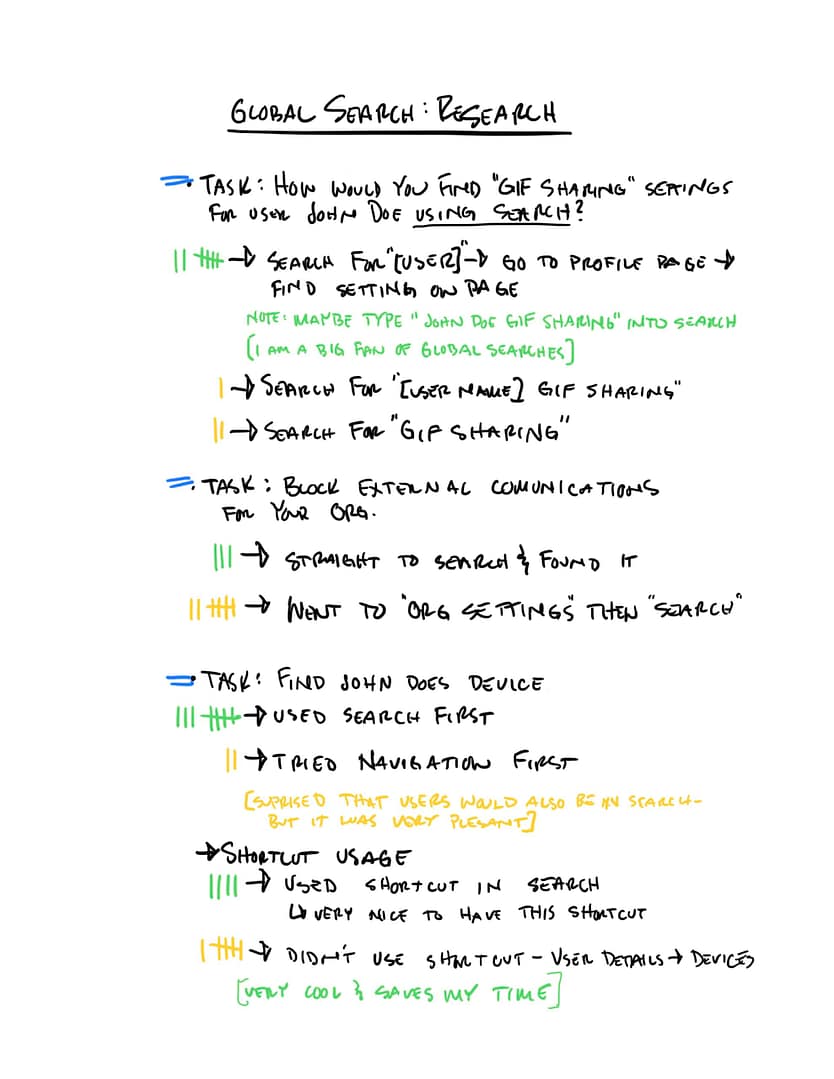
I ran a usability test using moderated testing with 10 of our customers to see if there was anything we missed. I particularly wanted to test some shortcuts we put in the designs for “next level” searches, an example of this is where an admin would search for a user but was doing so to get to the users devices. We found that 40% of admins easily found and understood these shortcuts.
DOCUMENTATION
Examples of the Documentation that was delivered to engineering to assist with development.


Final Component Designs
Examples for the final component designs for global search.


Key Results
~4,500
average daily searches
90%
click through rate
users
most searched category
RECAP &
TAKEAWAYS
the problem
Webex admins spend a lot of time looking through the different pages to find the settings and other data they are looking for. There was no easy way to find things and sometimes they are not in the expected places because of legacy systems and decisions. This caused a lot of friction for admins.
You have to start somewhere
We needed to figure out what we wanted and what we actually could accomplish. During the course of our research we discovered that we ultimately wanted to use AI to help index Control Hub and more easily make the system searchable. However we had to start with a simpler, manual system to prove out the usefulness of global search for our admins.
Takeaways & AI for next phase
During the course of our research we discovered that we ultimately wanted to use AI to help index Control Hub and more easily make the system searchable. We followed up by adding in AI to further index and provide answers that referenced our help documentation all using the base global search platform that was built out in the original effort.
Still looking? Here's more of my work
© Steven Jeppesen 2026